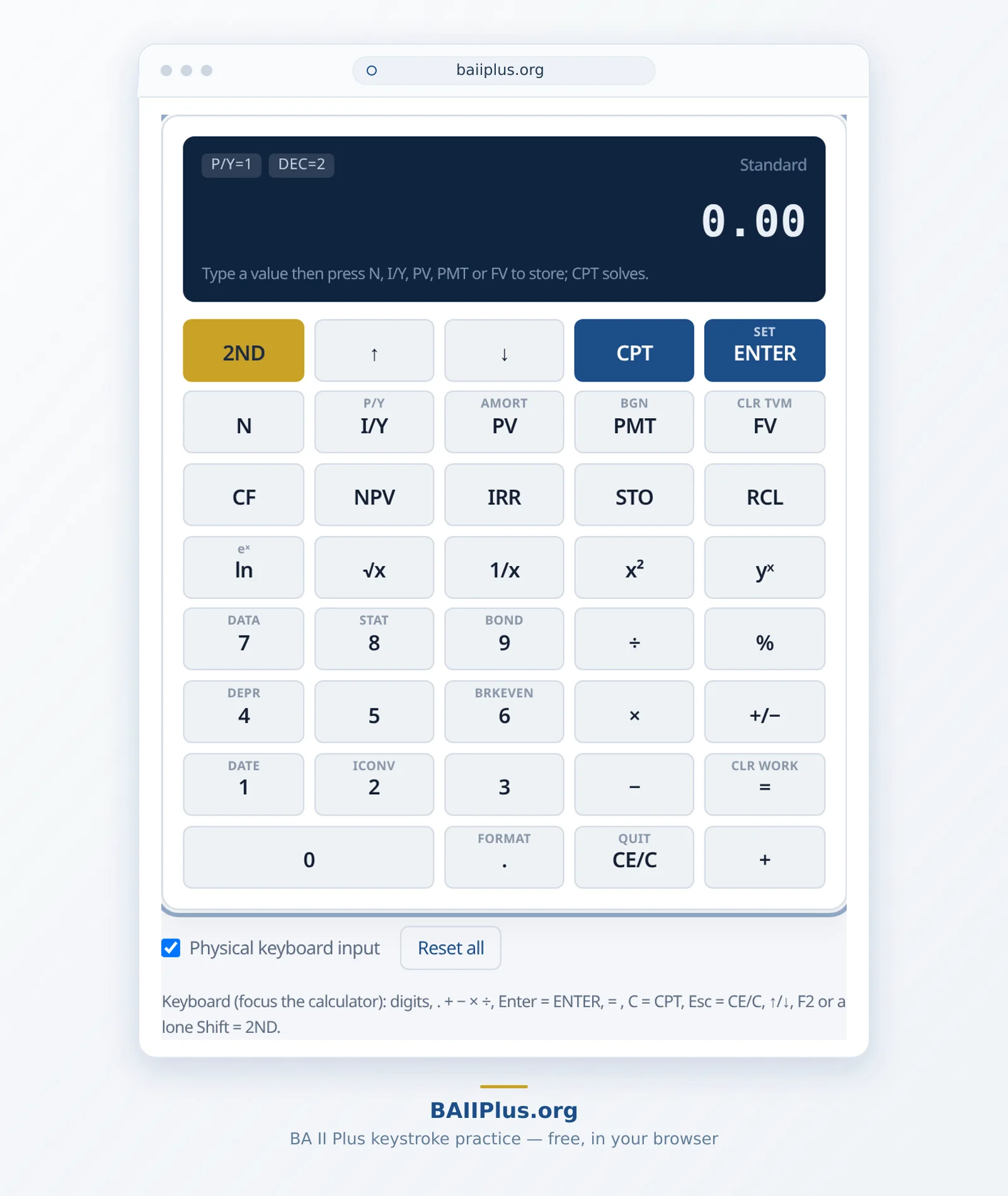
Online BA II Plus Calculator
Practice TVM, NPV, and IRR the way you will press them.
Unofficial practice tool. Not affiliated with or endorsed by Texas Instruments or CFA Institute. BA II Plus is a trademark of Texas Instruments. Not permitted in proctored exams.
Keyboard (focus the calculator): digits, . + − × ÷, Enter = ENTER, = , C = CPT, Esc = CE/C, ↑/↓, F2 or a lone Shift = 2ND.
Financial Calculator Tools
Form-based TVM, NPV, IRR, amortization, bond, depreciation, date and statistics calculators — each with the BA II Plus keystrokes for your numbers.
BA II Plus Tutorials
Step-by-step guides for TVM, NPV, IRR, BGN mode, Error 5 and exam-style settings, with verified examples.
How accuracy is tested
The computation core is an independent TypeScript module that runs on decimal arithmetic rather than binary floating point. Every worked example on this site is locked by unit tests in the repository and checked against independently verified reference values before each release.
Locked example (T1):N=360, I/Y=6, PV=100,000, FV=0, P/Y=C/Y=12, END → PMT = −599.55 (DEC=2)
Reproduce it on the TVM calculator → — see “How accuracy is tested” on the About page.
Exam practice for CFA, FRM & CFP
This tool is for keystroke practice for CFA, FRM and CFP candidates: drill P/Y settings, BGN mode and Error 5 with the same keys you will press on exam day. Start with the recommended BA II Plus settings for the CFA exam.
This web practice tool cannot replace the physical calculator in a proctored exam. Only the calculators on the exam organizer’s current list are allowed.